
Modernizing Job Platform
for the University of Hawai'i's
Students
Project Overview
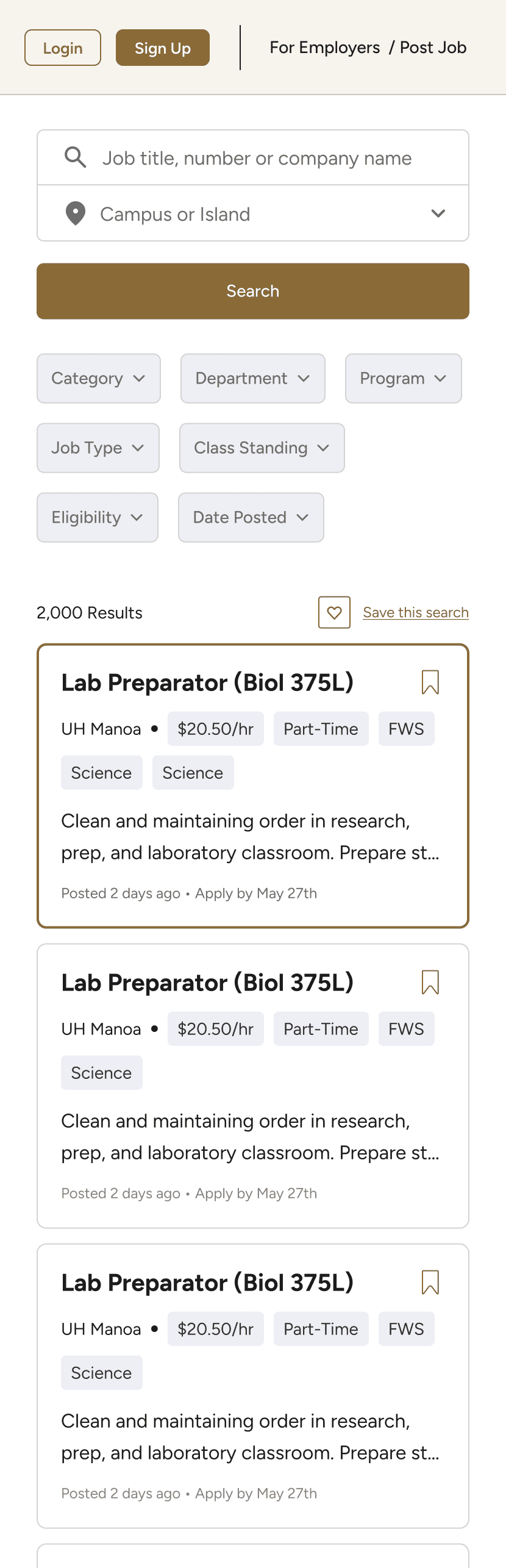
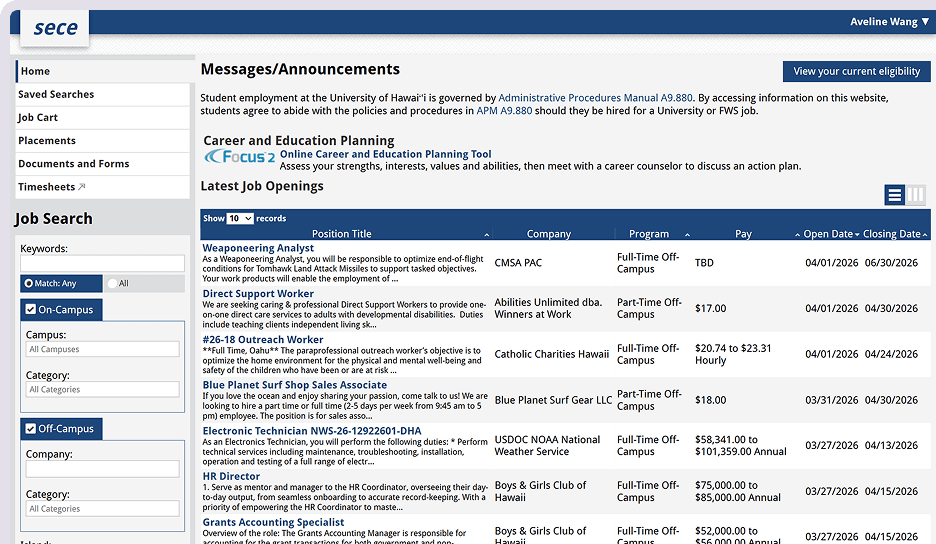
Student Employment and Career Exploration (SECE) is the University of Hawai'i's job platform connecting students across all ten UH campuses with on- and off-campus employers. During the summer, I redesigned the student-facing experience as part of the broader Career Hub redesign. The redesign is currently in development.
Project Type
Contributions
UX Research
UI & Visual Design
Design System
Interaction Design
Timeline
5 months
Tools
Figma
Illustrator



DISCOVERY
Students Needed Jobs That Fit Their Schedule, Eligibility, and Goals
To understand how students actually use SECE, I conducted moderated interviews with 9 UH students — including freshmen, seniors, working students, international students, student staffs and recent graduates — to learn how they search for campus jobs and what gets in their way.
I found that students were not just looking for any job. They were looking for jobs that fit their class schedules, financial needs, transportation constraints, experience level, and long-term goals.
To synthesize the interviews, I organized participant quotes through affinity mapping. Each participant was assigned a different sticky note color, which helped me see which patterns appeared across multiple students.

Using AI
I first synthesized the interview data manually, then used AI to compare themes and check for gaps. The overlap between both syntheses helped validate my findings, while my manual process gave me a deeper understanding of the student pain points.
Key Findings
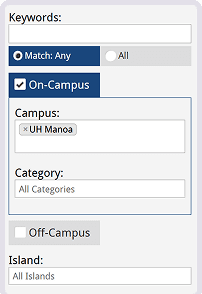
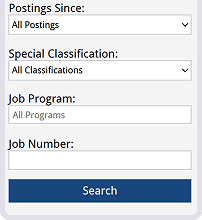
I wish I could narrow jobs by department and class standing.
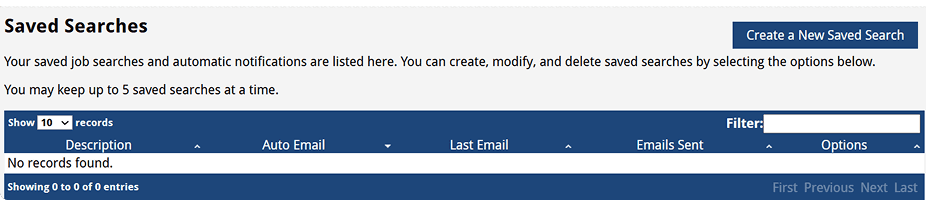
I read through all this job description just to find out at the end that I am not qualified.

HOW MIGHT WE…
Help students quickly identify campus jobs that fit their schedule, goals, and eligibility?
I identified three design goals to guide the redesign:
Reduce information overload
Make the job search experience easier to scan by simplifying dense listings and highlighting key details earlier.
Make eligibility clear upfront
Help students quickly understand whether they qualify before opening a listing or starting an application.
Improve job discovery and filtering
Give students better ways to narrow jobs by department, pay, job type, and other student-specific needs.
COMPETITIVE ANALYSIS
Studying Job Search Design Patterns
To better understand common interaction and layout patterns in job search experiences, I reviewed established platforms such as Indeed, ZipRecruiter, and Handshake.
I focused on how these platforms make large sets of listings easier to scan and evaluate, paying attention to patterns such as split-view layouts, top-level filters, condensed job cards, highlighted tags, and structured job detail panels.
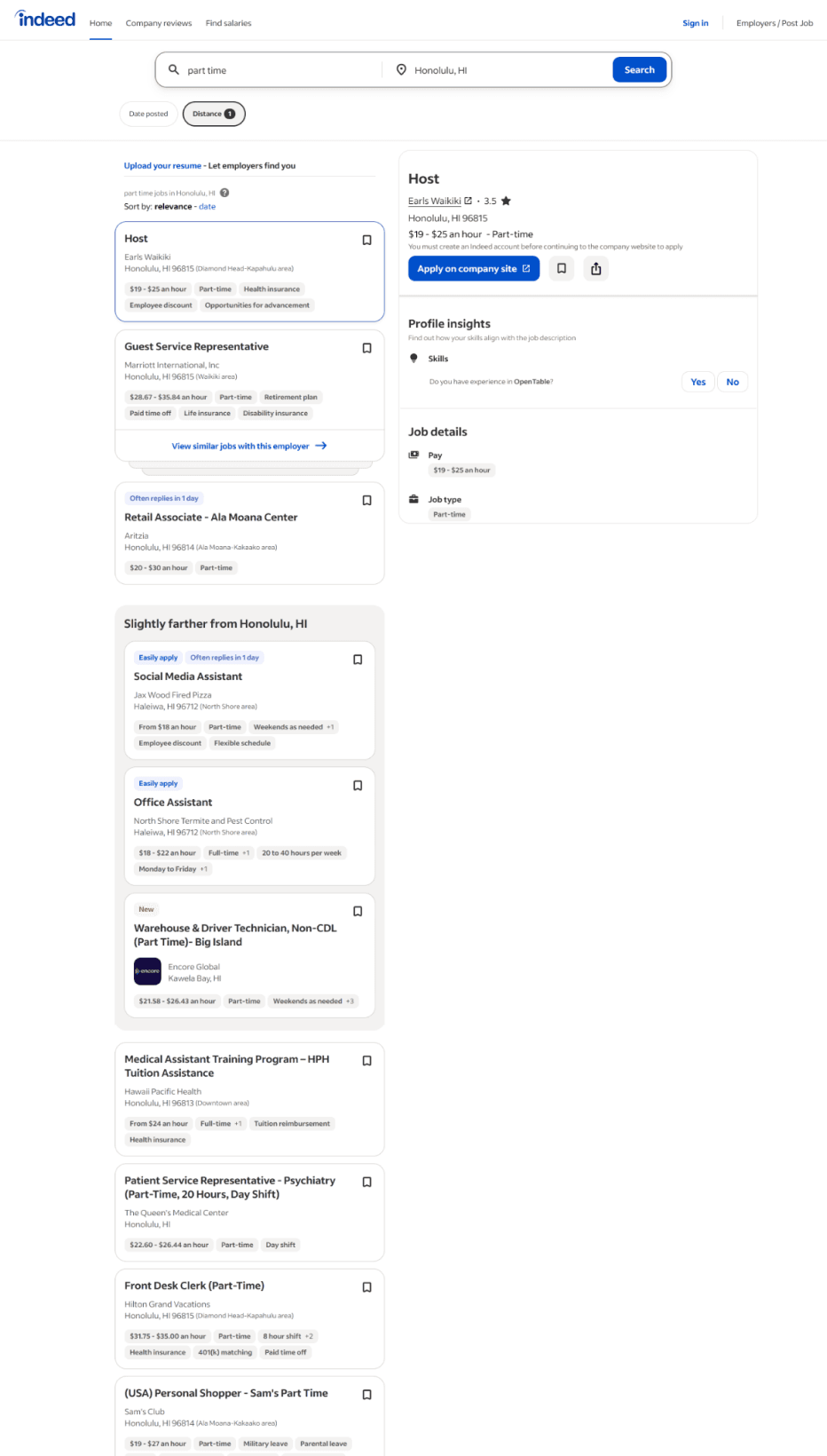
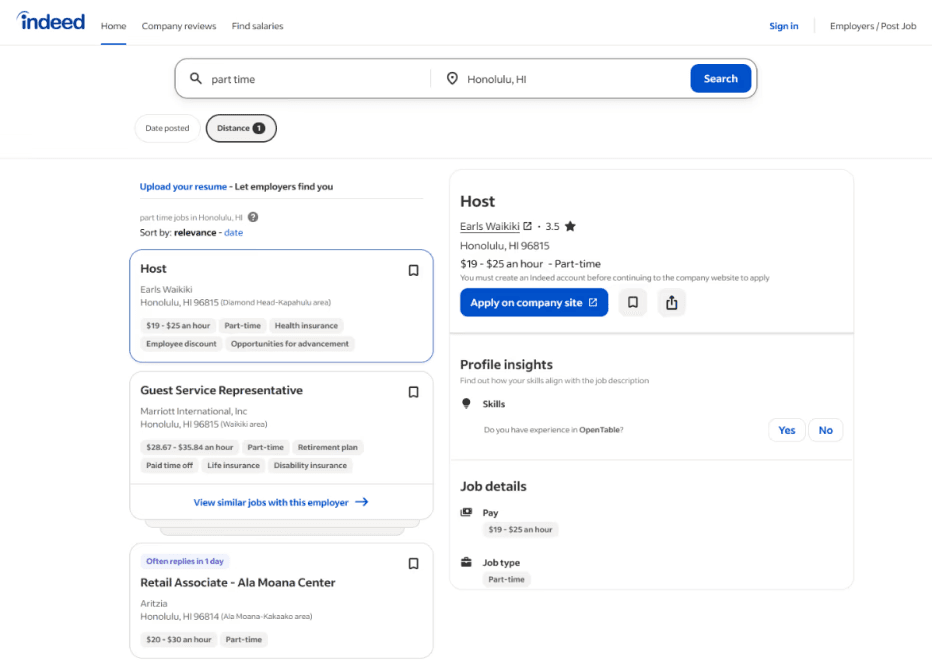
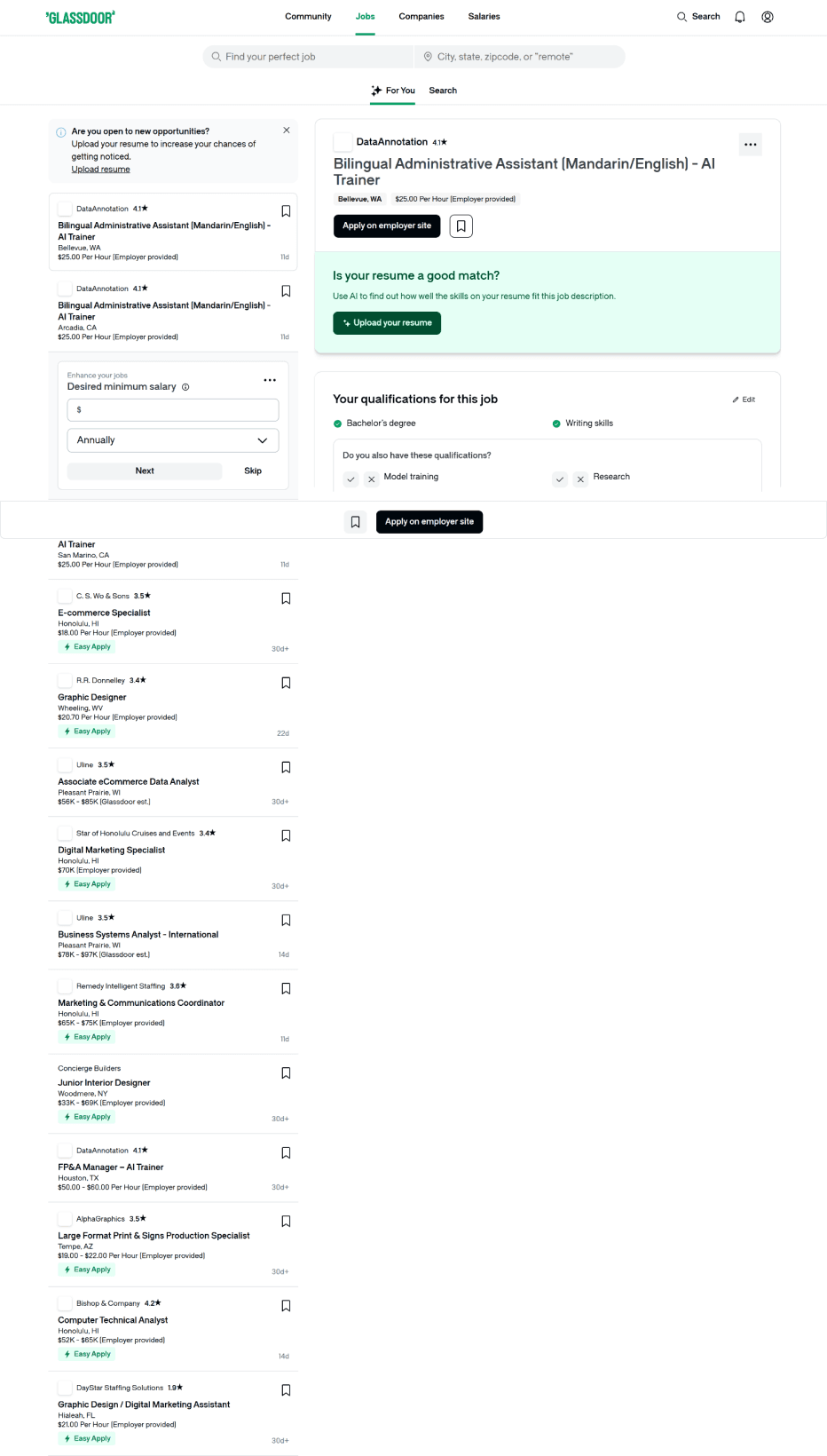
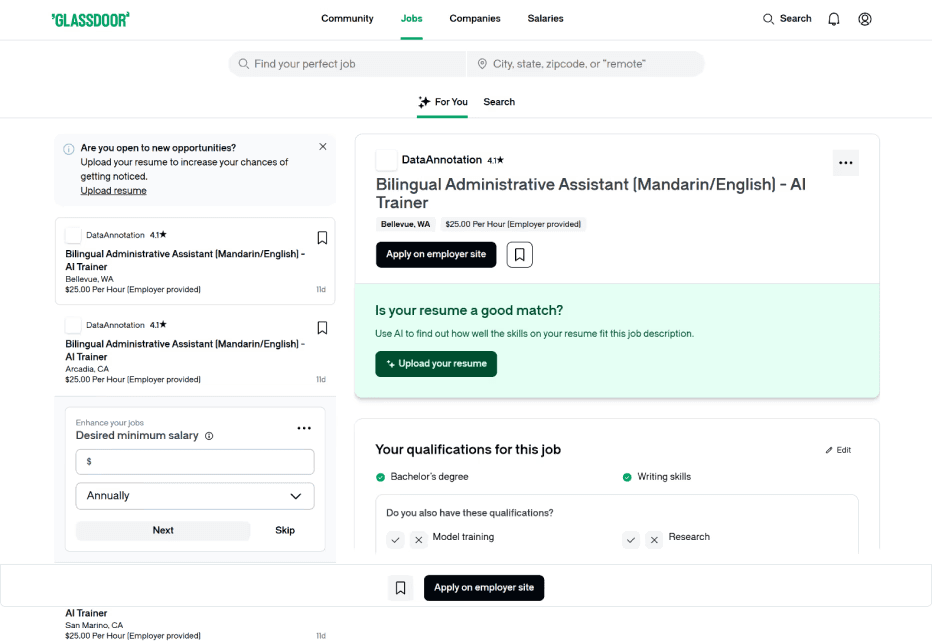
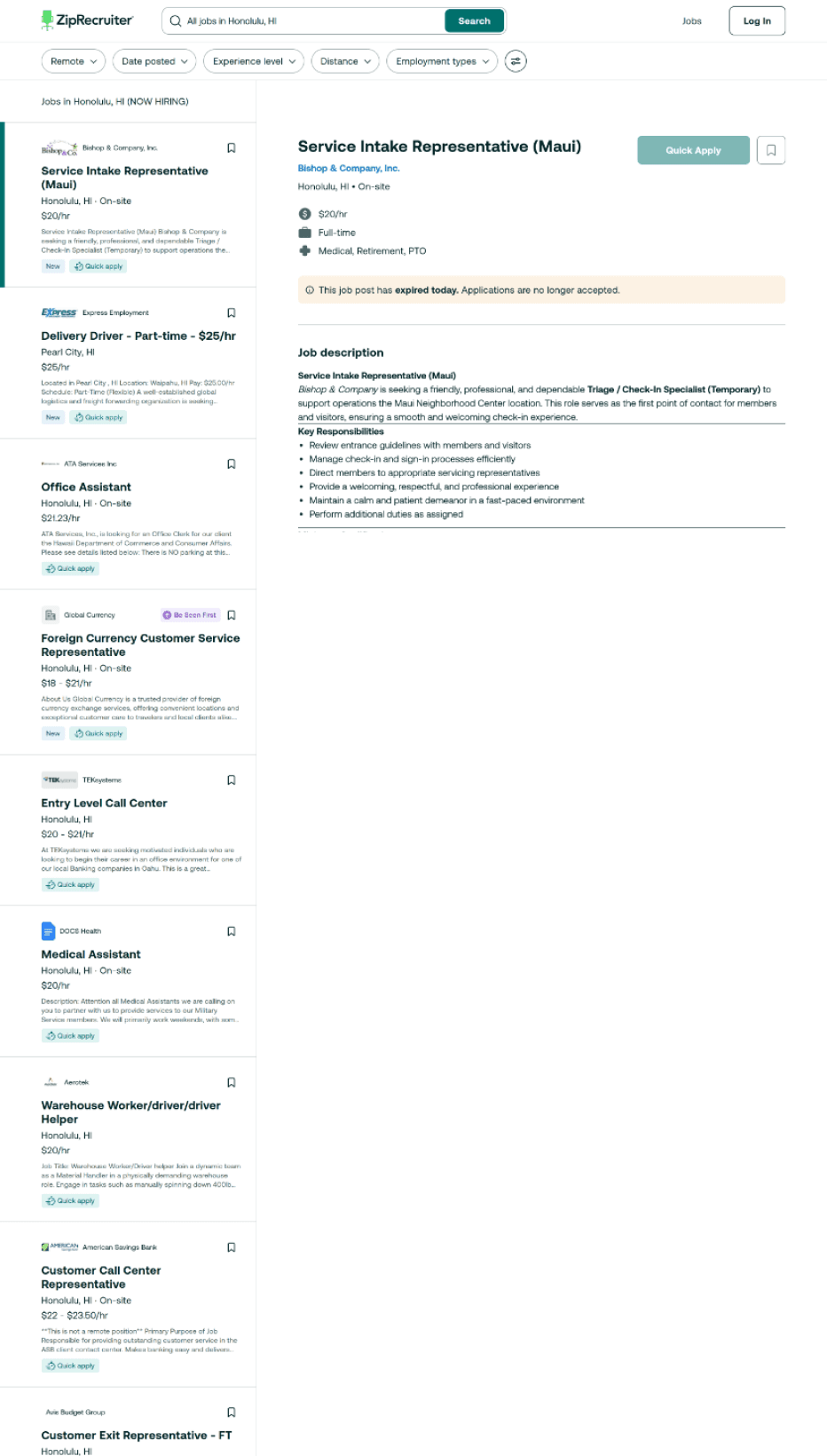
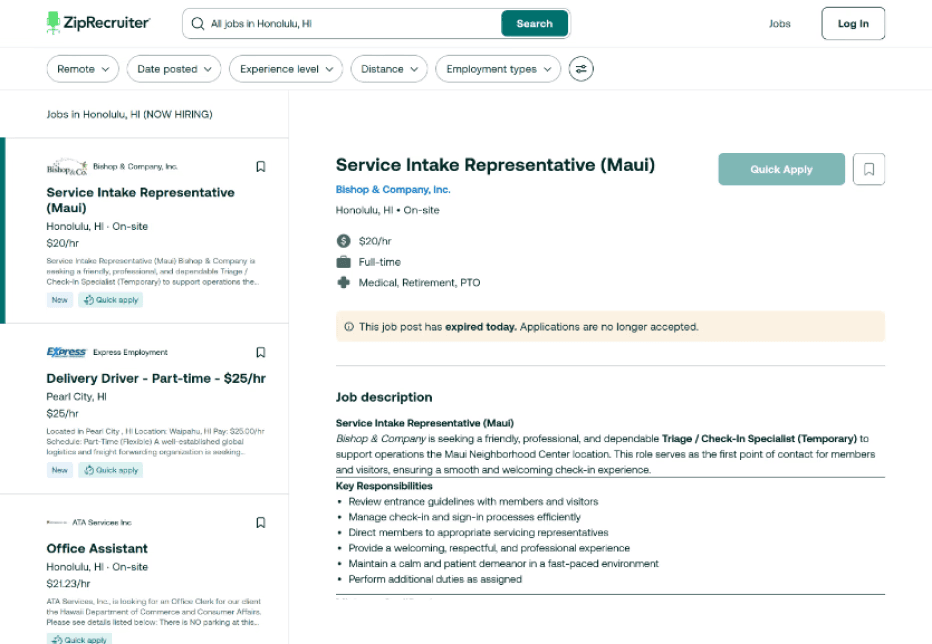
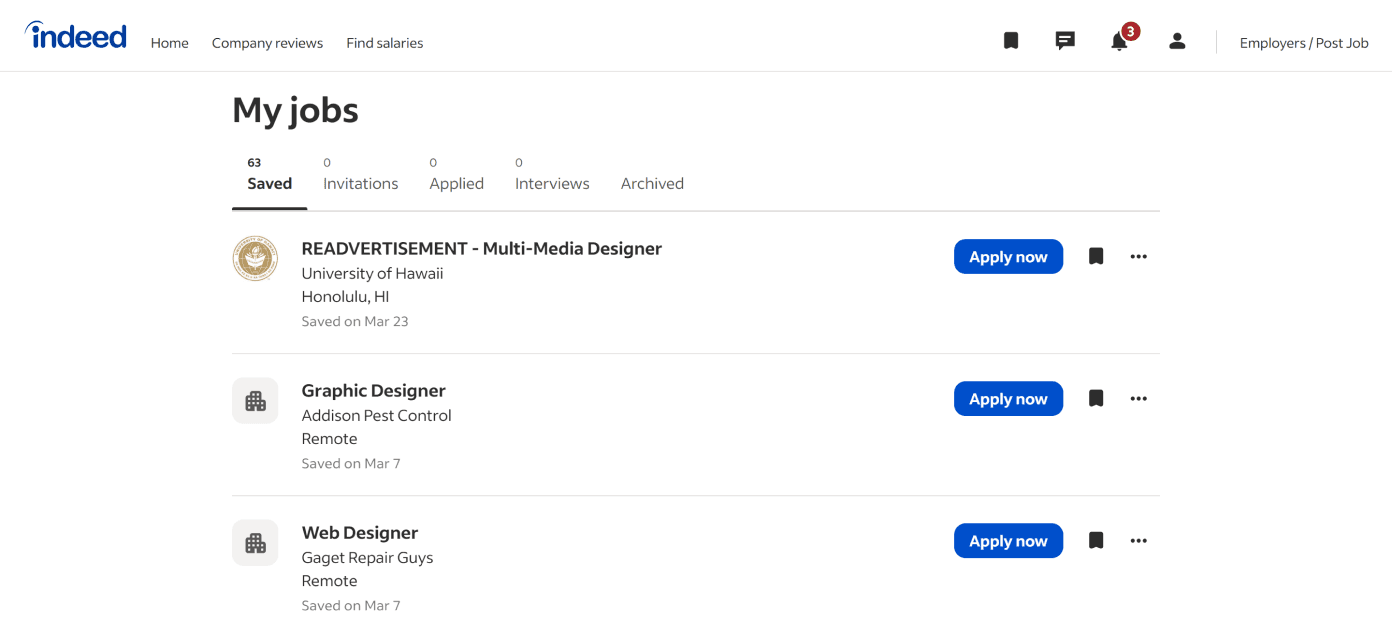
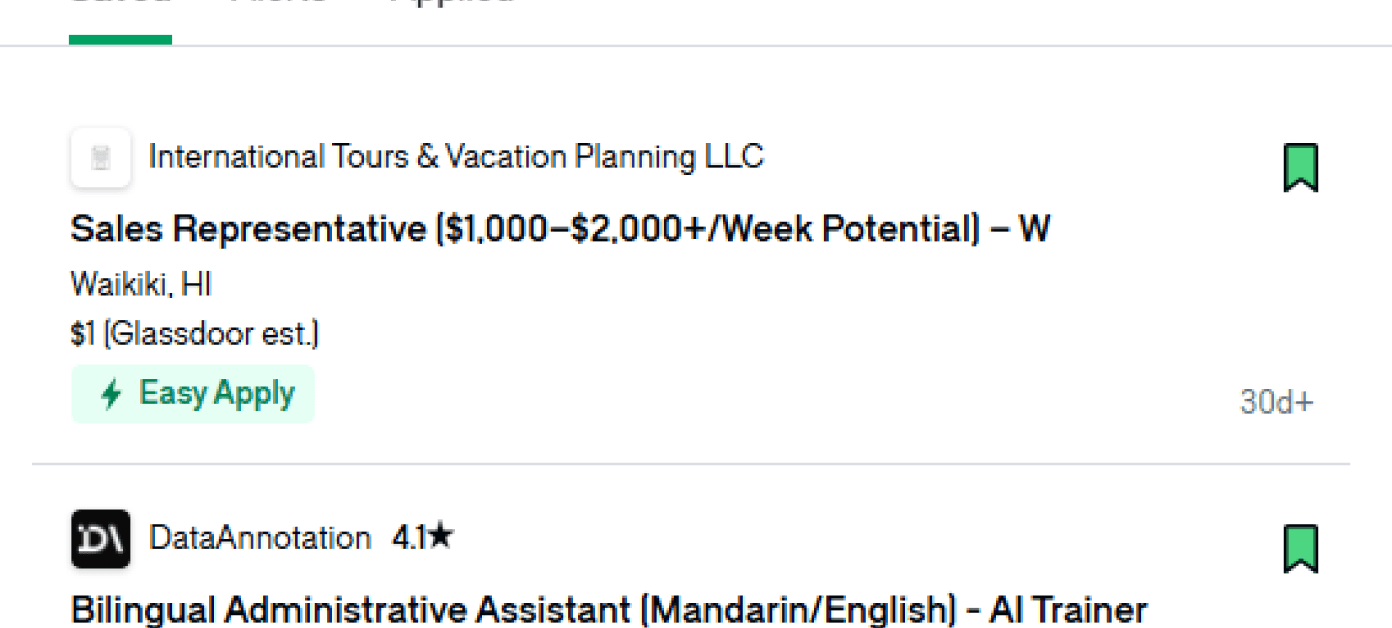

Pill shaped filters are common as they’re easy to scan and adjust.
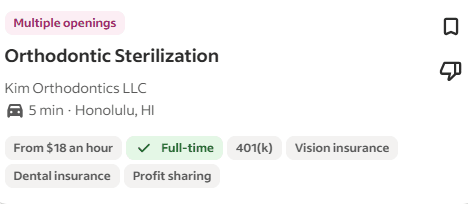
Cards are mainly designed the same with crucial information (Position, Pay, Location) listed and tags.
Cards make jobs scannable
Search & Location are grouped
View jobs even without logging in
Bookmark icon for saving jobs
Split modal let’s you compare jobs
Tabs
Closed jobs are color coded
Days since posting are displayed
Easily remove jobs
PROCESS
Planning My Approach
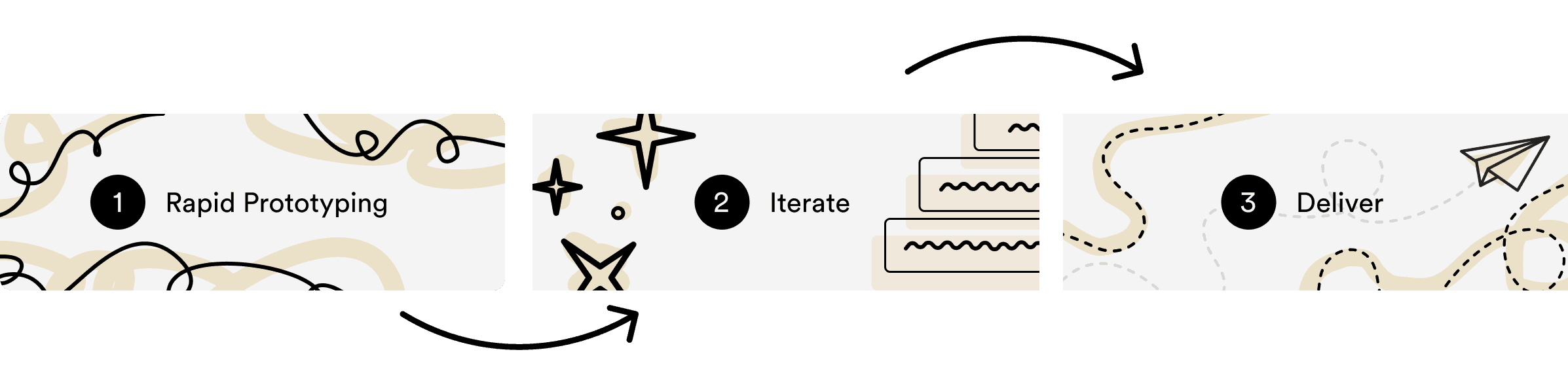
Given the internship timeline, I moved directly into high-fidelity design and used rapid iteration to explore solutions quickly.
FIRST ITERATION LEARNINGS
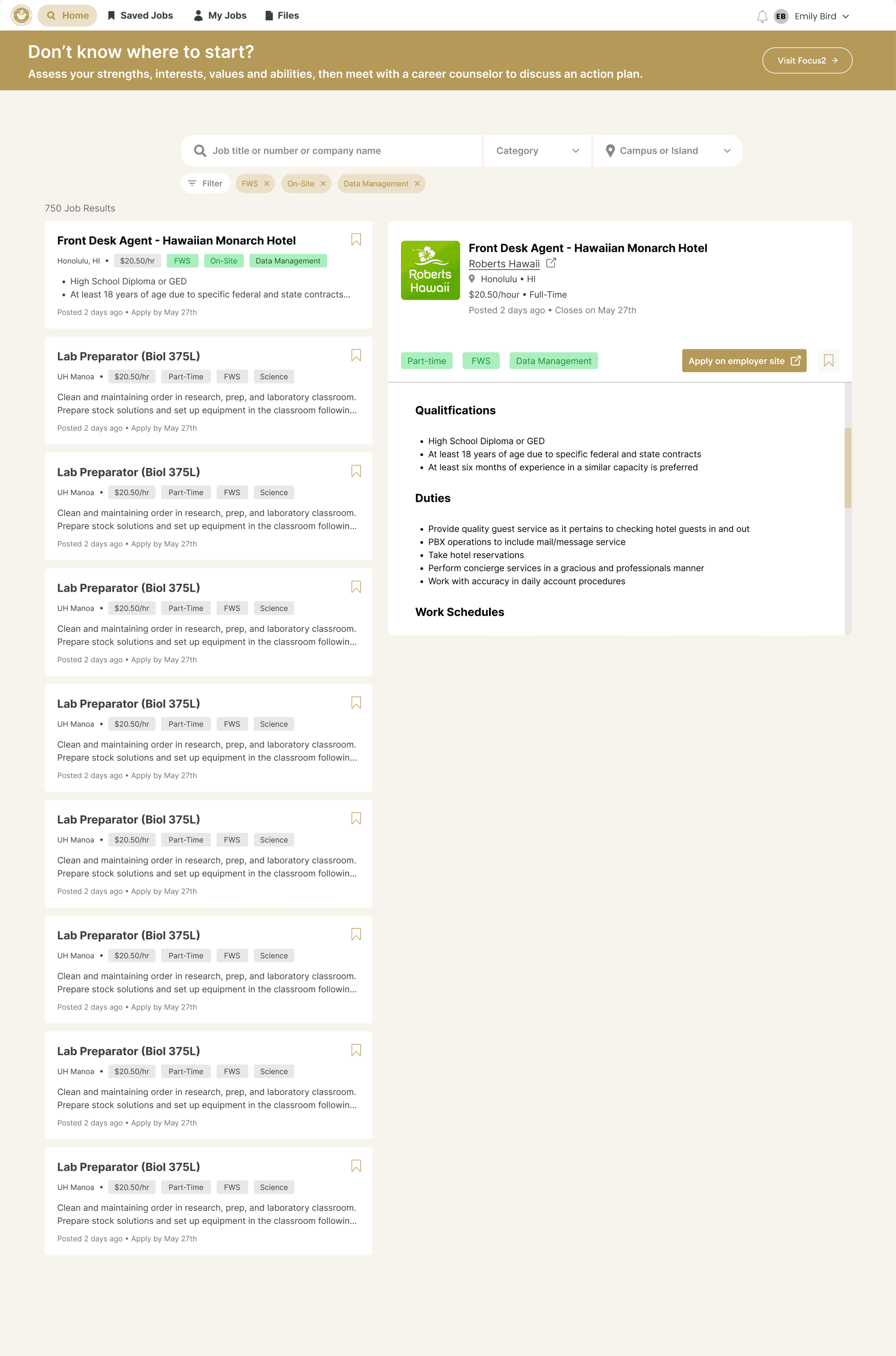
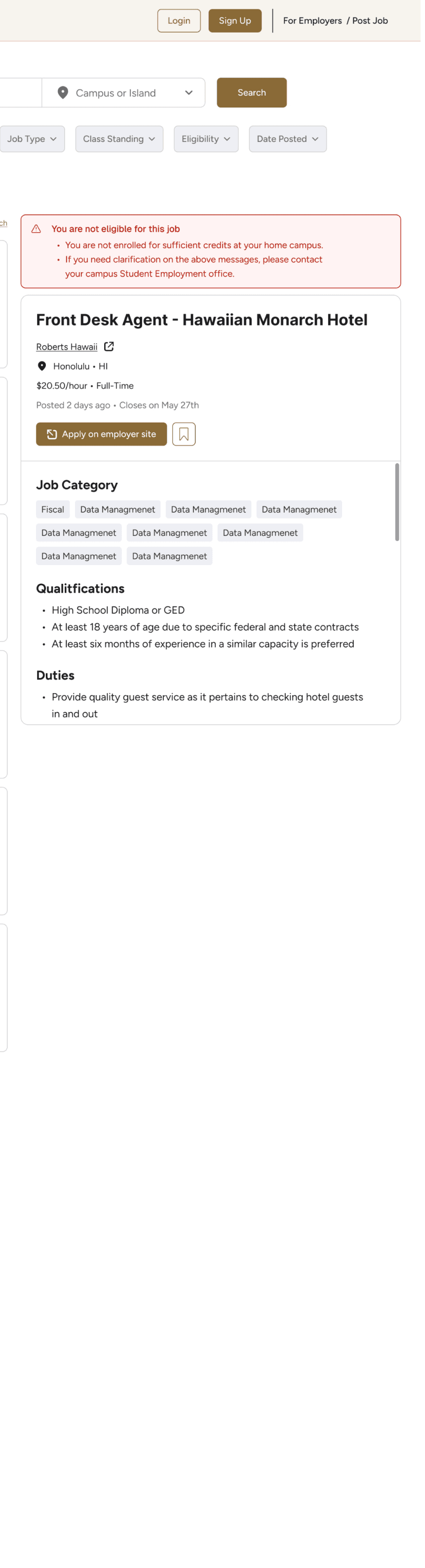
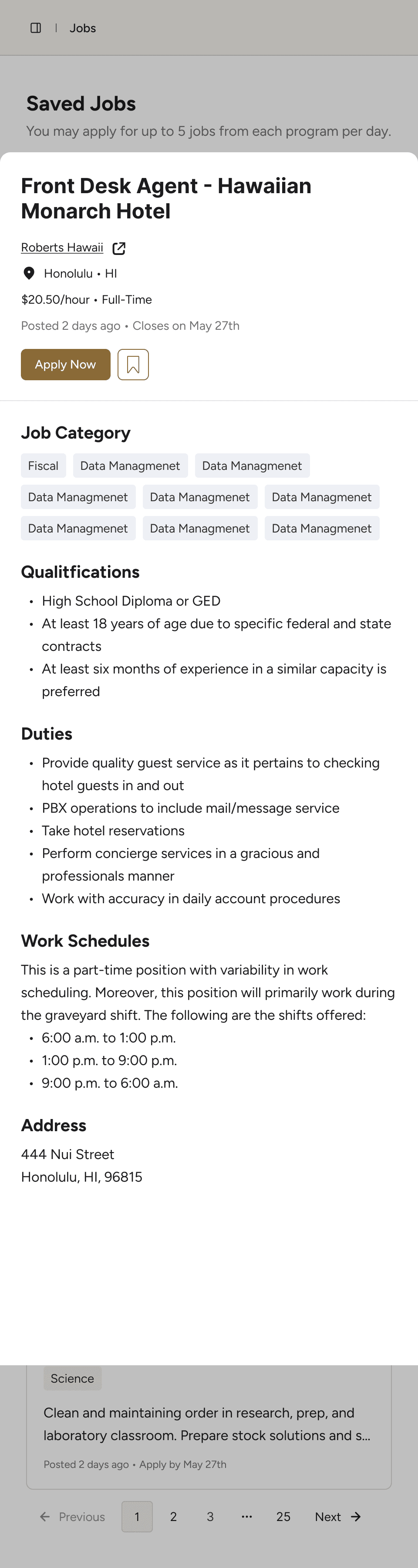
My Design Needed More Consistency

USABILITY TEST
Did the Redesign Solve the Problem?

All 7 participants felt jobs were more targeted or useful, had enough information to decide whether to apply, and found eligibility information clear.
DESIGN CHANGES
Final Refinements
Made Recommended Jobs More Transparent
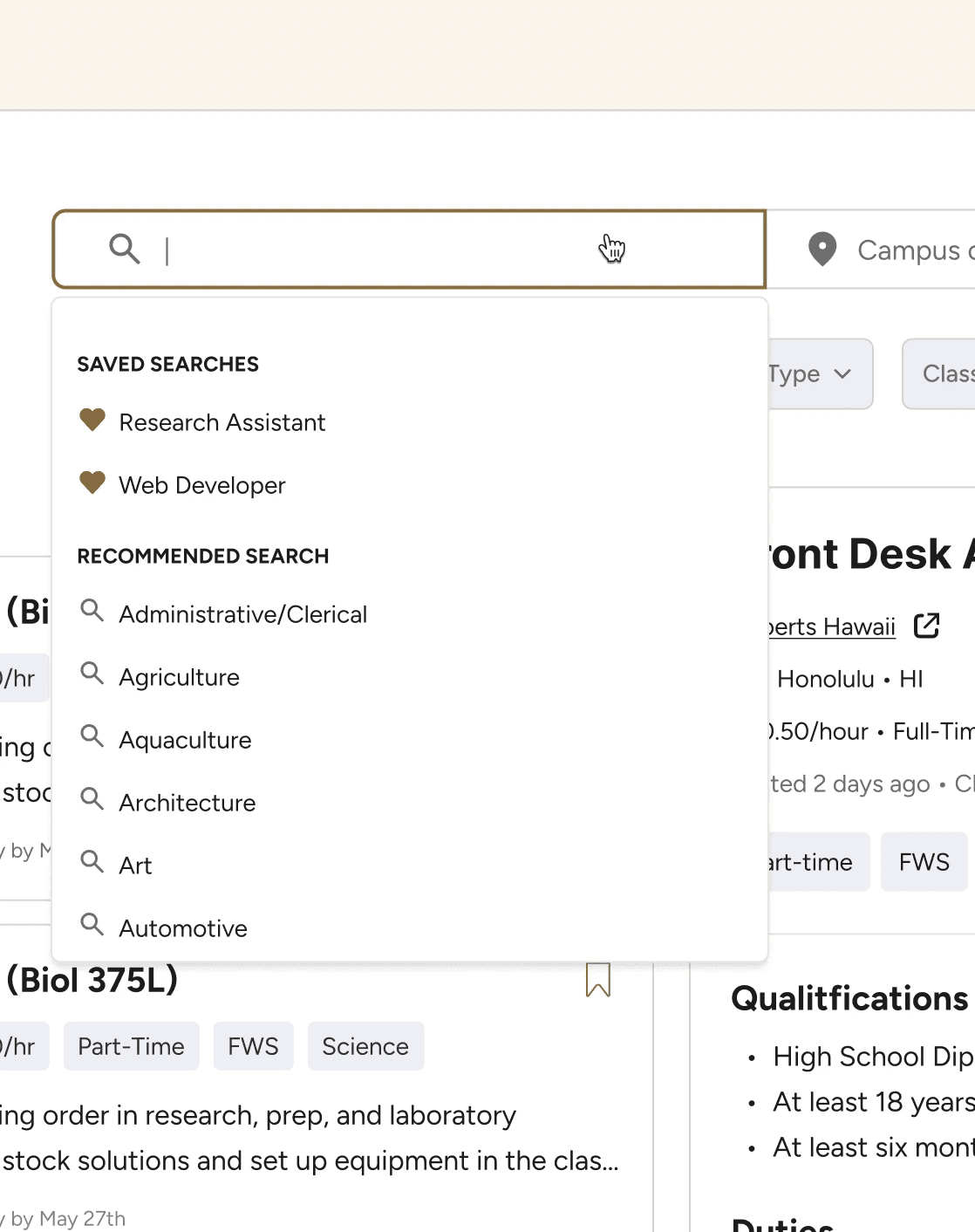
Students found recommended jobs useful, but some wanted to know how they were chosen. I added a short explanation beside the Recommended Jobs heading to clarify why certain jobs appeared.


Clarified Federal Work-Study & Pay
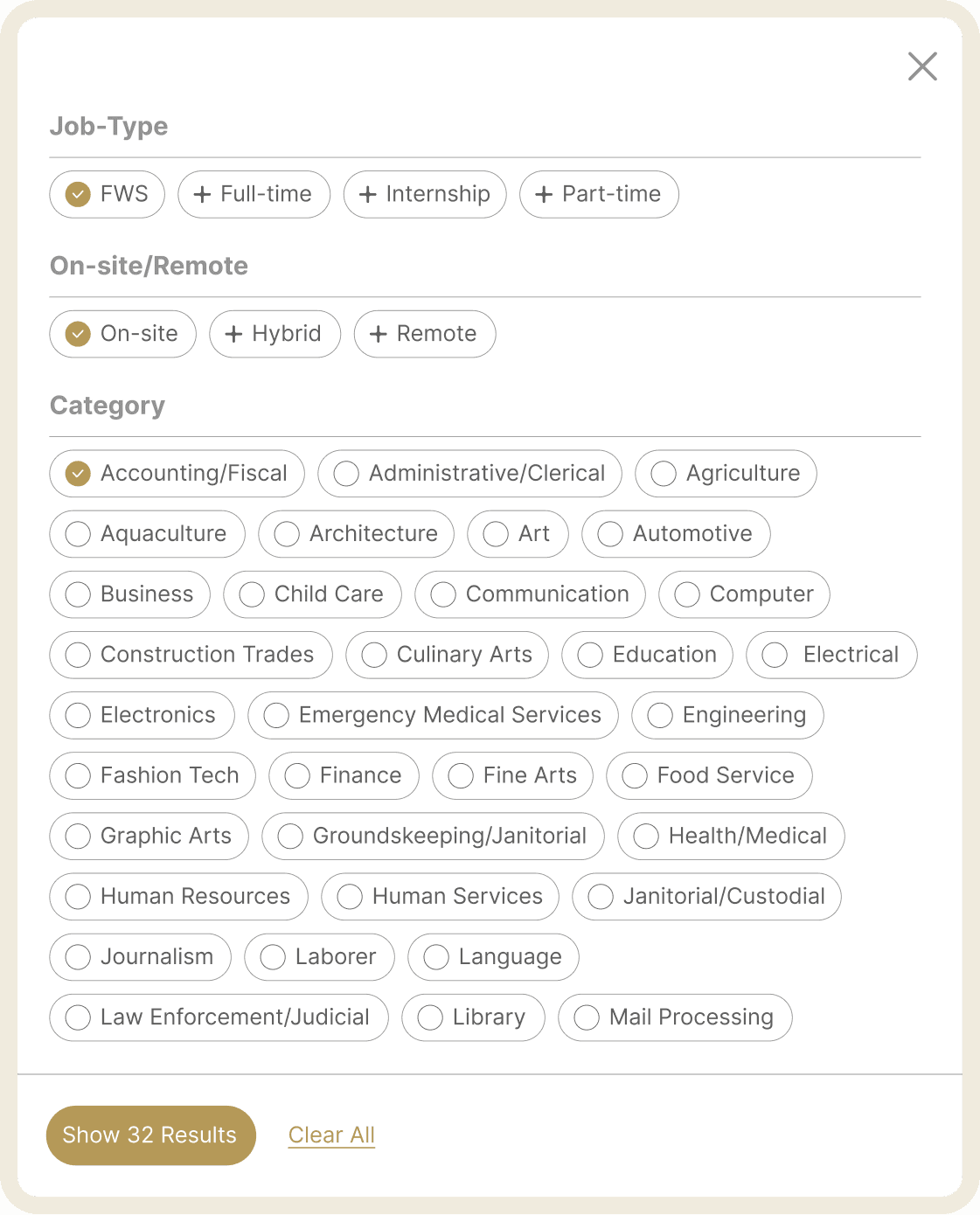
Some students were unsure what “FWS” meant, and the original pay filter only showed hourly ranges. I updated the labels to spell out Federal Work-Study and added salary options so students searching across on-campus and off-campus jobs could filter by different compensation types.
Search Page

Show before
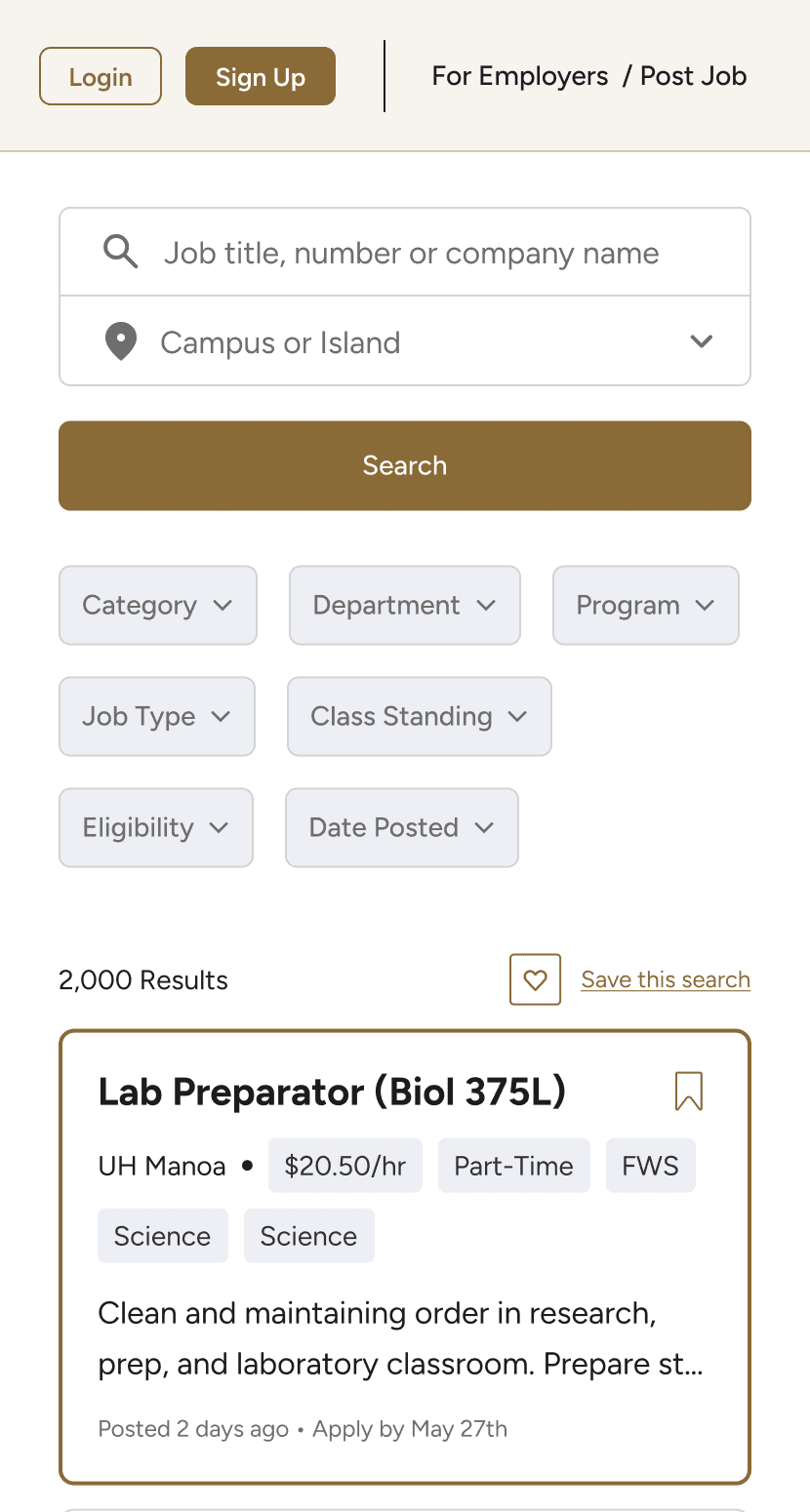
Cards surface pay, program, job type, eligibility, and experience upfront. Filter chips help students narrow results by key criteria before opening a listing.
Saved Jobs
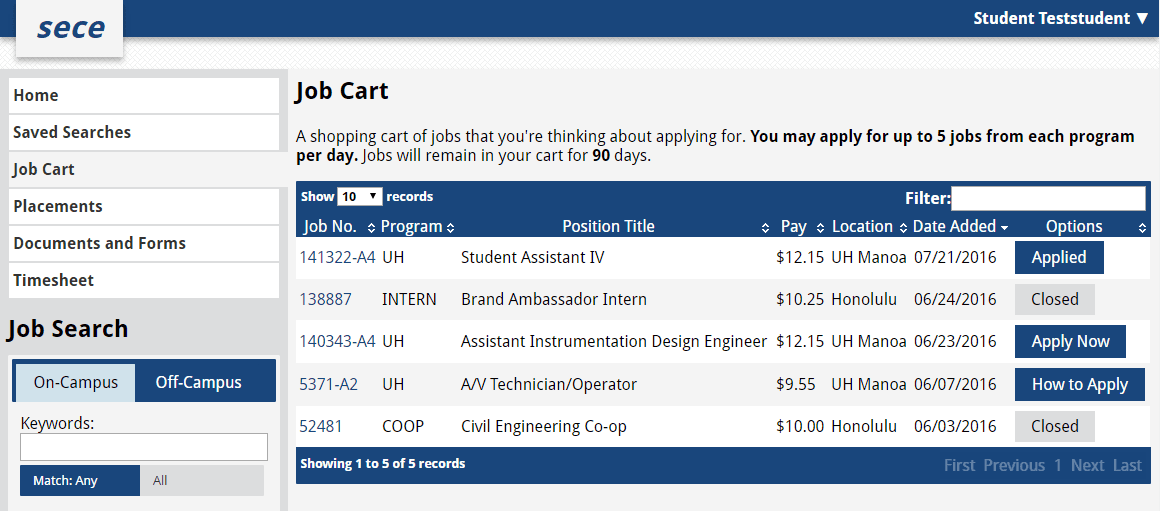
Saved jobs had limited organization and could not be manually removed.
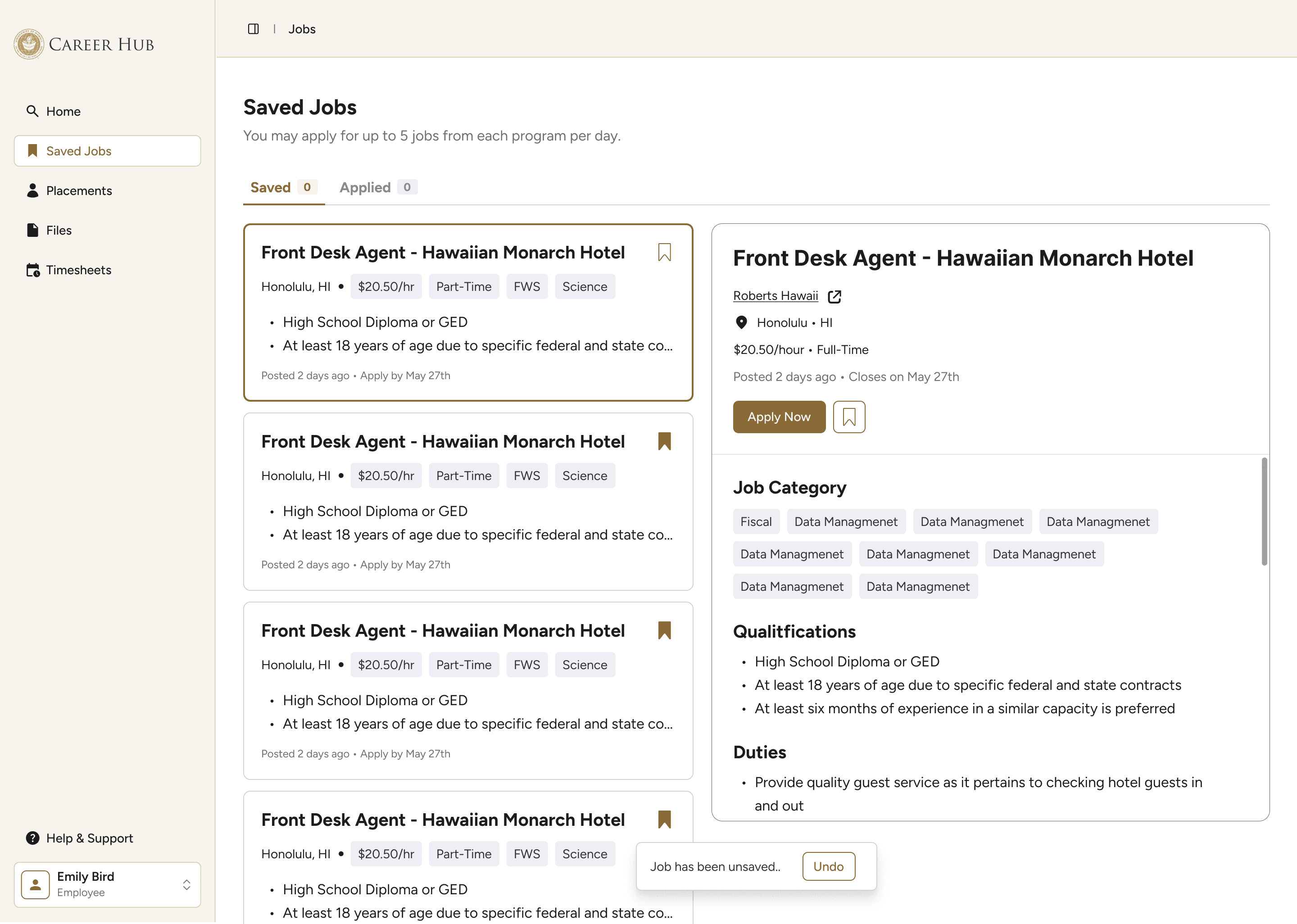
Saved and Applied tabs clarify job status, while unsave and undo actions give students more control.
Placements
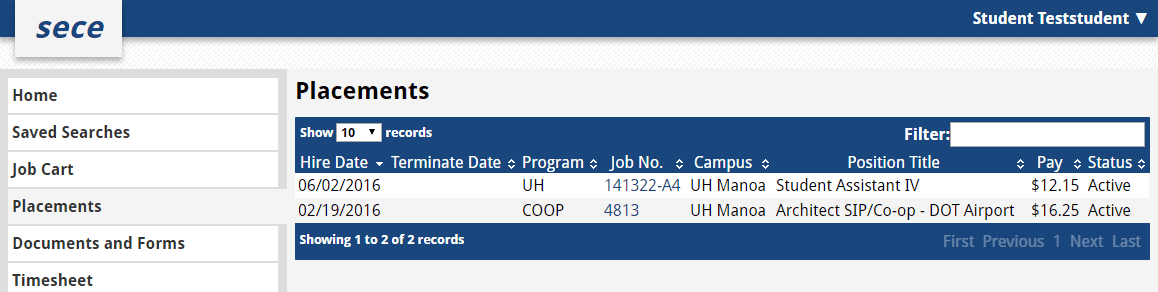
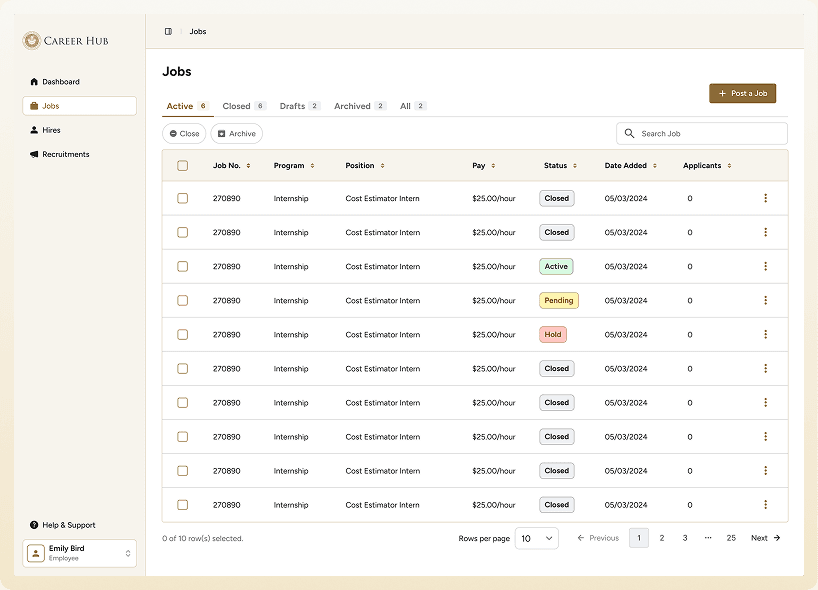
Placements lacked visual hierarchy, making active and closed placements hard to distinguish.
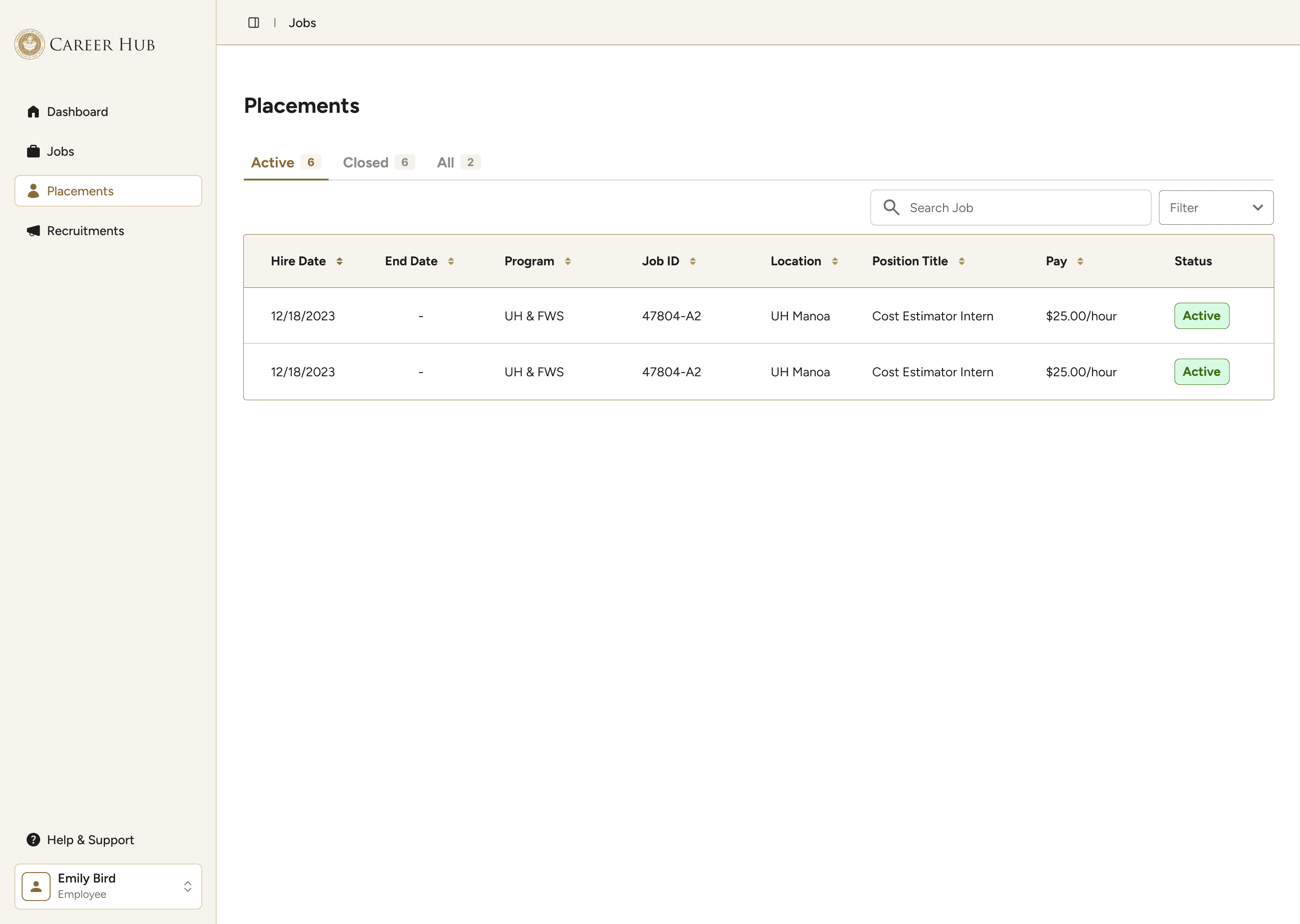
A clean table with tabs separates placements by status.
Documents
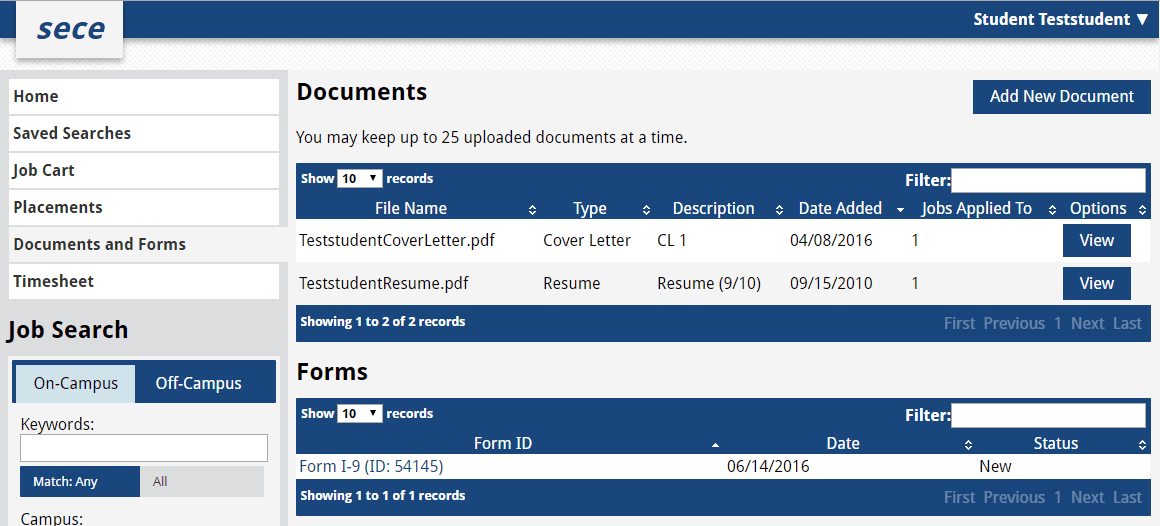
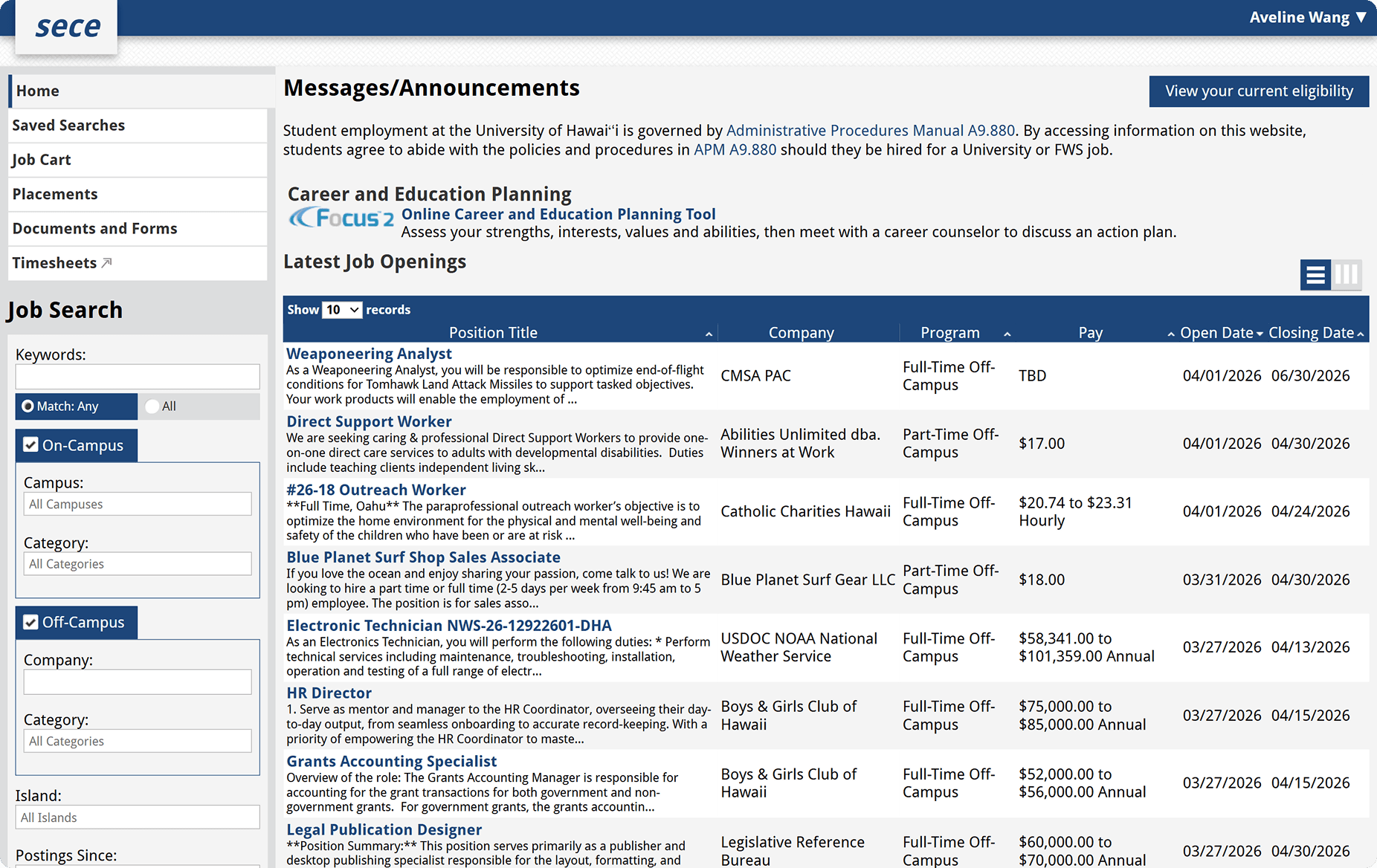
Documents and forms were mixed together in dense, unstyled tables with no status indicators.
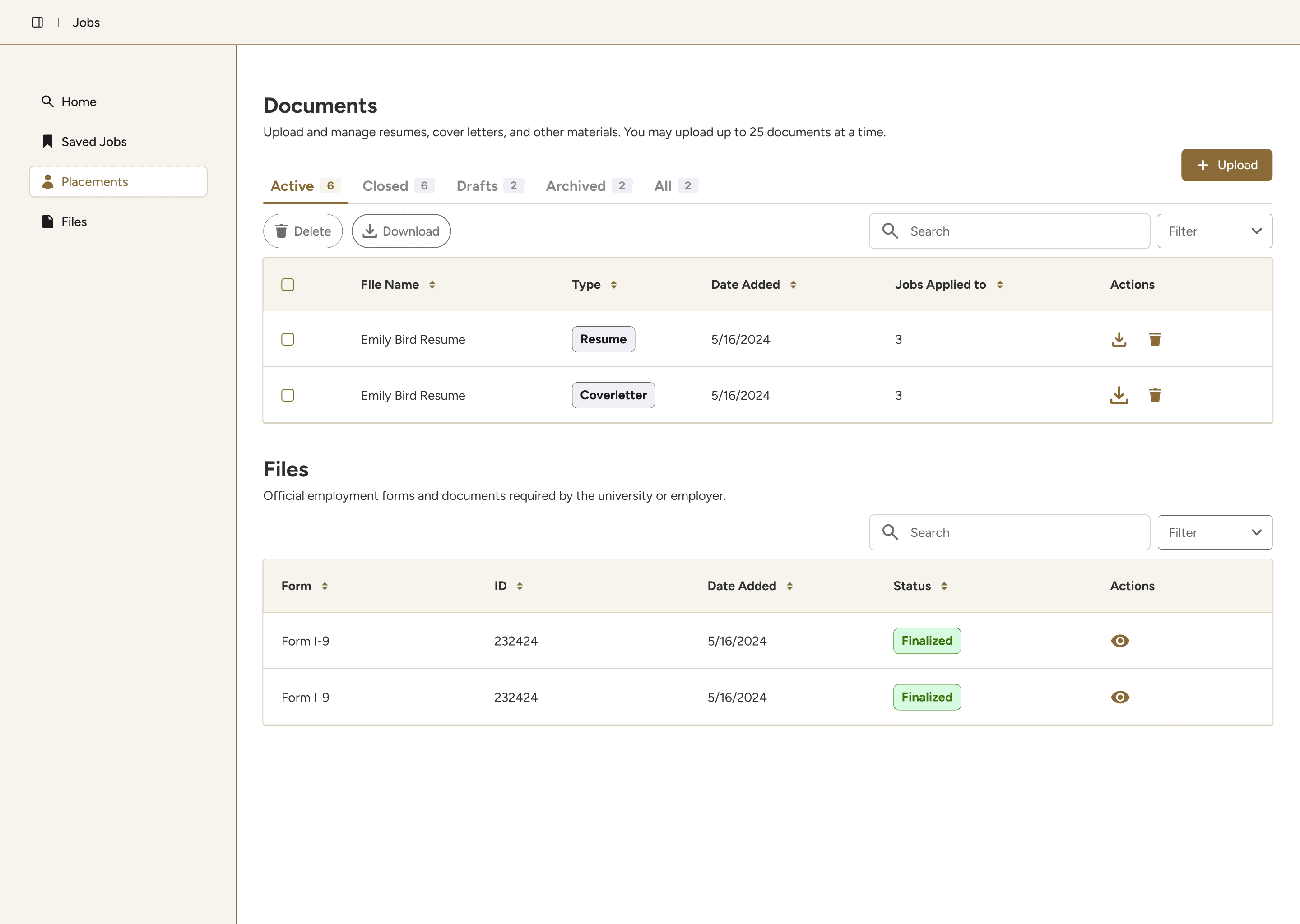
Documents and official files are separated into sections, with tabs and status tags to improve clarity.
Reflection
If I had more time & what I would do differenly:
Align with the developer earlier: Knowing which UI framework the developer was most comfortable with from the start would have saved significant time.
Start with a UI library: Building from an established component library from day one — with proper documentation and ideally published in Storybook — would have produced a more consistent result and a smoother handoff.
Documenting everything from the start would’ve made writing this case study easier...
© 2026 Aveline Wang
Made with love and black coffee 🖤